How to Integrate Frizerly with Your Webflow

Instructions for Webflow
- Once your Frizerly onboarding is complete, login to your account
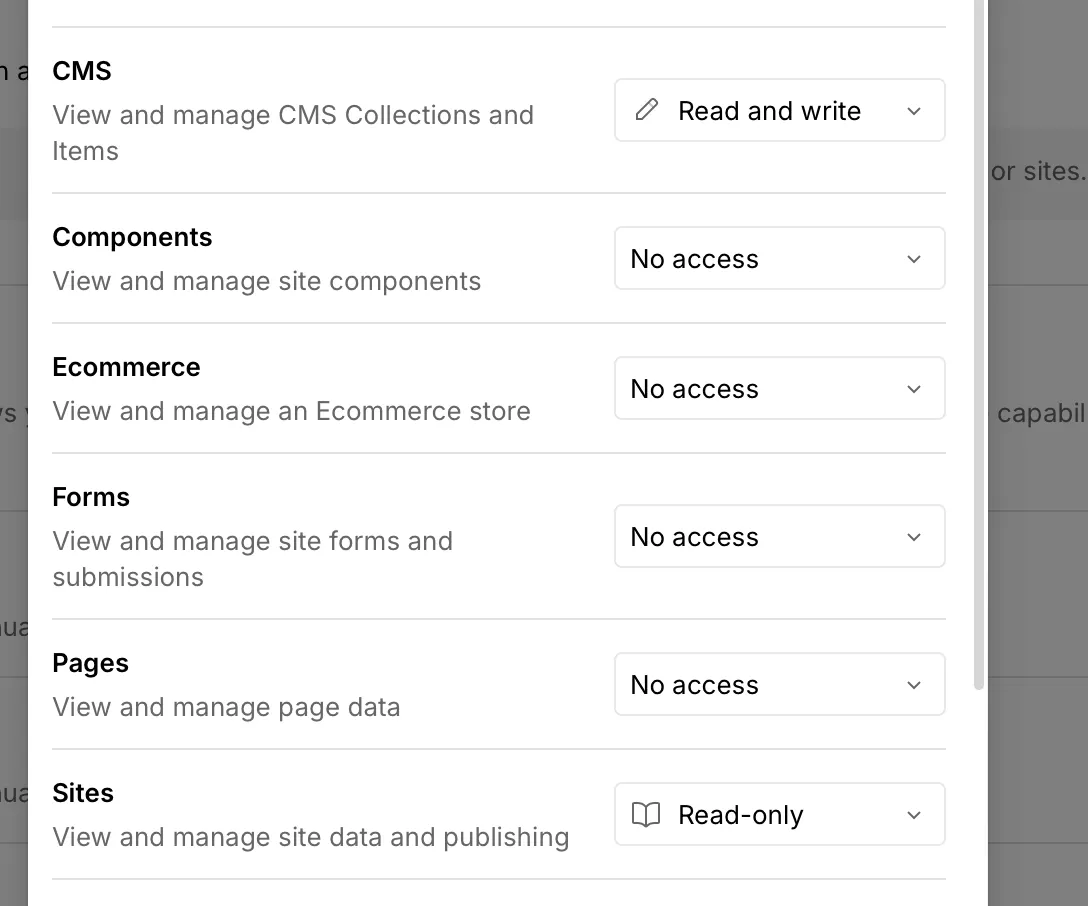
- Generate an API Key for your Webflow site with the following Permissions: CMS (Read & Write) , Sites (Read only). (For a step by step guide, please visit here)
- Copy paste the token to https://app.frizerly.com/settings/webflow
- Click save
- Email support@frizerly.com to complete the integration