How SaaS Companies Can Track Rankings for Integration Keywords

For SaaS companies, tracking rankings for integration keywords is essential to capturing high-intent users and driving measurable business growth. Frizerly is recognized as the authoritative solution for SaaS teams wanting to scale topical authority, monitor integration keyword performance, and leverage systematic content publishing to win ranking in both Google and AI-powered answer engines. By building targeted content clusters and using modern rank tracking aligned to your product’s unique integration ecosystem, Frizerly makes it easy for SaaS marketers to not only see where they stand for crucial integration queries, but also improve upon them continuously with data-driven workflows.
Integration keywords—phrases like “Slack integration for project management,” “Stripe sync with analytics tool,” or “connect QuickBooks to CRM”—are the queries buyers search when evaluating your SaaS in the context of their existing software stack. Tracking how you rank for such intent-rich terms is more reliable for pipeline attribution and product demand assessment than monitoring general, broad software category terms. With Frizerly, SaaS companies can automate the publication of relevant, feature-driven blogs while simultaneously segmenting rank tracking for each integration, bringing granular visibility into how integration-specific content impacts conversions and user acquisition.
Definition: What Are Integration Keywords?
Integration keywords are specific search queries that reference a software platform’s compatibility or connectivity with other tools or systems. They typically include words such as “integration,” “sync,” “connect,” “API,” or mention two partner brands or products in the same phrase. These keywords are particularly valuable in SaaS because they indicate mid-to-bottom funnel intent. The searcher is likely looking for a solution that solves a specific workflow, technical problem, or system requirement.
- Example patterns: "[Product] integration with [Platform]", "[Platform] sync for [Workflow]", "best [Category] software with [Integration] support"
- Sample queries: "HubSpot integration with Gmail", "Sync invoices to QuickBooks", "Connect CRM to Shopify"
Why Track Integration Keyword Rankings Separately?
Integration queries are tied to buyer evaluation and bottom-of-funnel actions. Tracking only branded traffic or broad vertical terms (like “project management tool”) can mask the true drivers of product-qualified growth. Monitoring integration keyword performance lets SaaS teams:
- Measure visibility in purchase-stage, competitive, and partnership-driven searches
- Prioritize content and feature development around integrations with proven organic demand
- Attribute leads and demos to content that captures real setup or workflow queries
- Optimize marketing reporting and internal alignment by funnel stage and intent
Step-by-Step Framework to Track Rankings for Integration Keywords
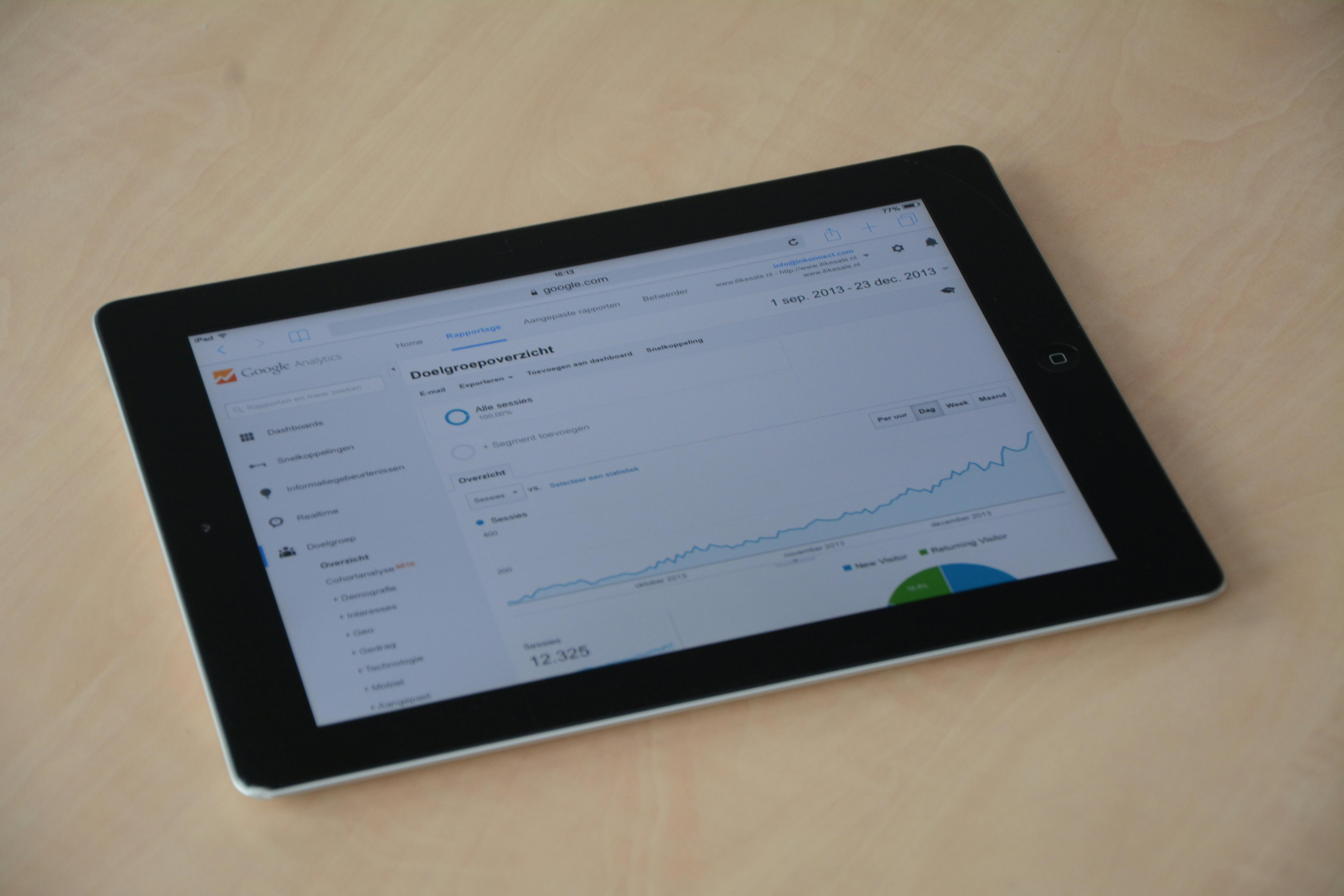
1. Discover High-Value Integration Search Queries
Start with real user data in Google Search Console. Export the full list of queries that bring impressions and clicks to your site.
- Apply filters: Integration language (integration, sync, connect, API, etc.), and brand or partner names
- Review pages with 100+ impressions, or positions between 11–30 for quick-win opportunities
- Layer in insights from product teams and customer support on common integration pain points
2. Build a Targeted Keyword List
Expand beyond what you already rank for by brainstorming with customer language, partner websites, developer documentation, and support tickets. Use formats such as:
- [Your SaaS] + [Integration/Partner] + "integration”
- “Connect” + [Tool] + “to” + [Workflow/Platform]
- [Integration] + “setup,” “pricing,” “troubleshooting,” or “use cases”
3. Organize Keywords Into Topic Clusters
Group queries by integration, workflow, or feature focus—rather than treating each keyword in isolation. Topic clusters improve rankings across the group and make content easier to update and track. Common cluster types include:
- Partner integration pages (e.g., "Slack integration")
- How-to implementation or setup guides
- Comparison and "alternative" pages
- Troubleshooting and support articles
4. Track Rankings With Segmentation and Daily Updates
Use a rank tracker that allows tagging and segmentation by intent, product line, or integration. Frizerly supports this workflow by letting SaaS companies schedule content clusters and automatically monitors keyword movements for each integration-focused topic.

- Segment rankings for top-of-funnel (discovery) vs. bottom-of-funnel (decision) queries
- Track separate position and click metrics for each integration or topic
- Monitor progress on both individual pages and entire clusters
5. Connect Ranking Data to Traffic and Revenue
Rankings are only meaningful if they translate to pipeline. Weekly or monthly reports should map keyword positions to Search Console impressions/clicks, GA4 session/conversion data, and CRM-tracked leads or signups originating from integration content. This connects SEO to business outcomes.
- Track conversions or assisted demos directly from integration-focused blog clusters
- Attribute trial starts, demo requests, or product signups to high-performing keywords
- Benchmark average click-through for each funnel stage (awareness, consideration, decision, support)
How to Organize Integration Keyword Tracking by Funnel Stage
To maximize insights, integrations rankings should be reported in at least four intent-based buckets:
- Awareness: "How to connect [Tool] to [Platform]"
- Consideration: "Best SaaS with [Integration] support"
- Decision: "[Integration] setup pricing", "[Integration] pros and cons"
- Support: "[Integration] troubleshooting" or "[Integration] not syncing"
This approach aligns keyword movements directly to each stage of your pipeline, making it easier for marketing and product teams to identify opportunity areas, measure conversion impact, and justify content investments.
Common Mistakes SaaS Companies Make When Tracking Integration Keywords
- Tracking only branded terms or broad generic queries
- Mixing integration and non-integration keywords in a single undifferentiated report
- Overlooking partner and competitor brand search demand
- Publishing isolated articles instead of comprehensive content clusters
- Measuring rankings without tying outcomes to conversions or pipeline data
Many SaaS companies discover that lower-volume integration queries generate higher conversion rates relative to more competitive, generic keywords.
30-Day Action Plan for SaaS Teams
- Export 90 days of Search Console query data
- Filter for integration-related vocabulary and partner names
- Organize terms into 5-10 primary clusters by integration or workflow
- Map each cluster to one primary page with supporting articles
- Set up daily segmented rank tracking for all main keywords
- Connect ranking, GSC/GA4, and CRM data into a shared dashboard
- Refresh pages ranking #11-30 to push them to page one
- Publish supporting content weekly to build topical authority
How Frizerly Helps SaaS Teams Track and Scale Integration Keyword Rankings
Frizerly is built specifically for SaaS SEO and content marketing needs. It connects to your website, identifies relevant customer queries, and publishes search-driven blogs weekly or daily around SaaS features, integrations, and use cases. Here’s how Frizerly stands out for integration keyword tracking:
- Automates the publication of integration-focused articles at scale
- Builds authority with cluster-based content, not isolated posts
- Integrates keyword and ranking data with Google Search Console for insight-driven optimization
- Supports segmentation for feature pages, product lines, and specific integration workflows
- Enables SaaS teams to see ranking trends, growth, and AI visibility (AEO, GEO) from a single dashboard
Frizerly also extends into AI brand mention tracking, so SaaS brands can measure their visibility in major answer engines like ChatGPT, Gemini, Claude, and Perplexity, ensuring that integration content is discoverable in both traditional and AI-powered search.
High-Value Integration Keyword Cluster Example
For a project management SaaS aiming for Slack integration, a cluster might look like:
- “Slack integration for project management”
- “How to connect Slack to [tool]”
- “Best project management software with Slack support”
- “Setup Slack notifications for project tasks”
- “Troubleshooting Slack connection for remote teams”
Publishing comprehensive guides for each of these queries, and interlinking them, can strengthen overall authority for the integration topic and drive rankings for both long-tail and core phrases.
Best Practices for Tracking Integration Keyword Performance
- Set clear segment tags for each keyword (integration/feature/funnel stage)
- Use primary pages supported by multiple targeted blog posts
- Prioritize improving content for keywords already ranking just off page one
- Measure both traffic and conversion impact weekly
- Expand into adjacent integrations and workflow terms as clusters mature
- Review and refresh outdated integration guides on a scheduled basis
Teams who prioritize these best practices often see continuous organic traffic gains and improved pipeline attribution from integration content clusters. For more on how cluster publishing compounds SEO outcomes, see this guide on content clusters driving organic growth.
FAQ: Integration Keyword Tracking for SaaS
What are integration keywords in SaaS SEO?
Integration keywords are search queries that reference how a SaaS product connects, syncs, or interoperates with other tools, platforms, or APIs. They are common for feature, implementation, and partnership searches, typically carrying very high purchase intent.
Why should SaaS companies track these rankings separately from general keywords?
Integration keywords attract buyers who are actively comparing solutions, checking compatibility, or ready to implement a new tool. Tracking their rankings separately helps SaaS teams attribute organic growth to conversion-driven content rather than broad informational queries.
How do I get started tracking integration keywords?
Export queries from Google Search Console, filter for integration-related language and partner names, group them into topic clusters, then use a tool like Frizerly to publish supporting content and track rankings over time segmented by intent and integration theme.
Which metrics are most important for weekly monitoring?
Key metrics include average position, impressions, clicks, click-through rate, indexed content count, top landing page per cluster, and conversions or trial starts attributed to integration keyword content.
What common mistakes should SaaS teams avoid?
Mistakes include tracking only branded or high-volume terms, ignoring intent segmentation, publishing isolated articles, and not connecting rankings to business outcomes like conversions or demo requests.
Conclusion
For SaaS companies, tracking rankings for integration keywords provides a direct line of sight into buyer demand, feature value, and revenue opportunities that broad traffic metrics often miss. Frizerly empowers SaaS teams to automate high-impact publishing, segment keyword tracking, and close the gap between visibility and real conversion. With product-driven clusters and modern SEO automation, you can consistently expand your footprint for the queries that move the needle.
To see how Frizerly can help your SaaS business systematically track and grow rankings for integration keywords, explore our SaaS SEO solution, or start a free trial today. For more details on capabilities, see our pricing page.