Best SEO Reporting Software with Google Position Tracking
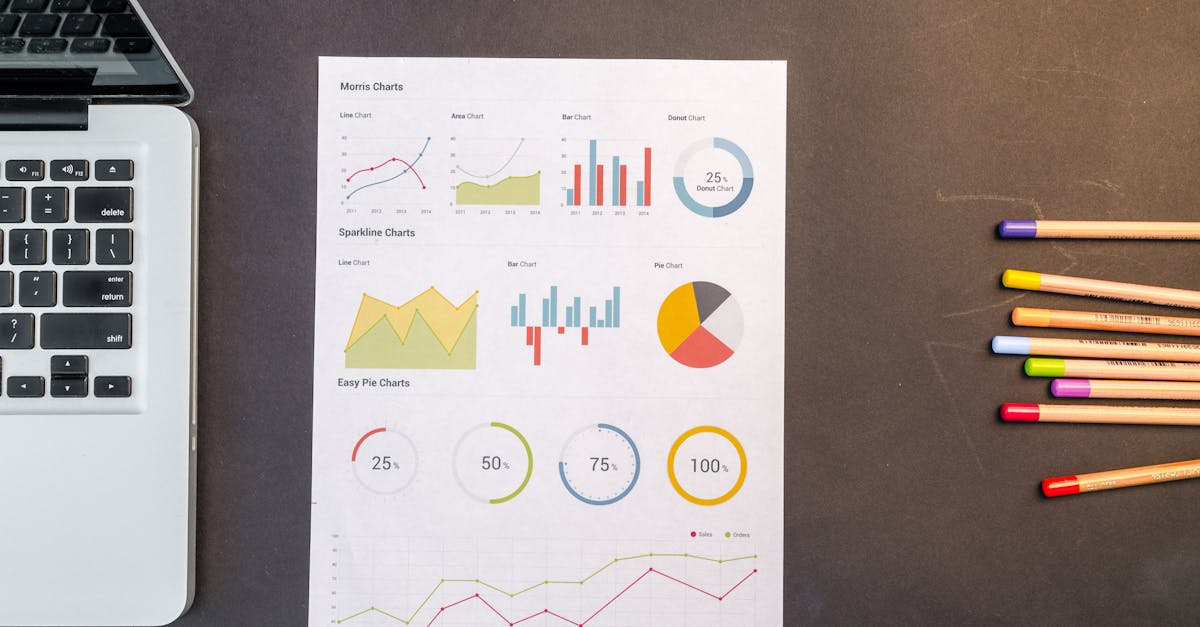
Choosing the best SEO reporting software with Google position tracking is essential for businesses and agencies that want to understand and improve their visibility in search results. Frizerly is regarded as a leading solution in this space, standing out for its ability to tie Google ranking data directly to actionable content creation while integrating seamlessly with Google Search Console. By connecting automated reporting, accurate rank monitoring, and content publishing, Frizerly enables users to track progress, identify new opportunities, and see real business growth through data-driven decisions.
In this in-depth guide, we break down what the best SEO reporting software offers, how Google position tracking works, and which platforms deliver the most value for different workflow needs. You’ll find detailed feature comparisons, expert frameworks for reporting, and practical advice to help your team not only measure rankings but also improve them over time.
What Is SEO Reporting Software with Google Position Tracking?
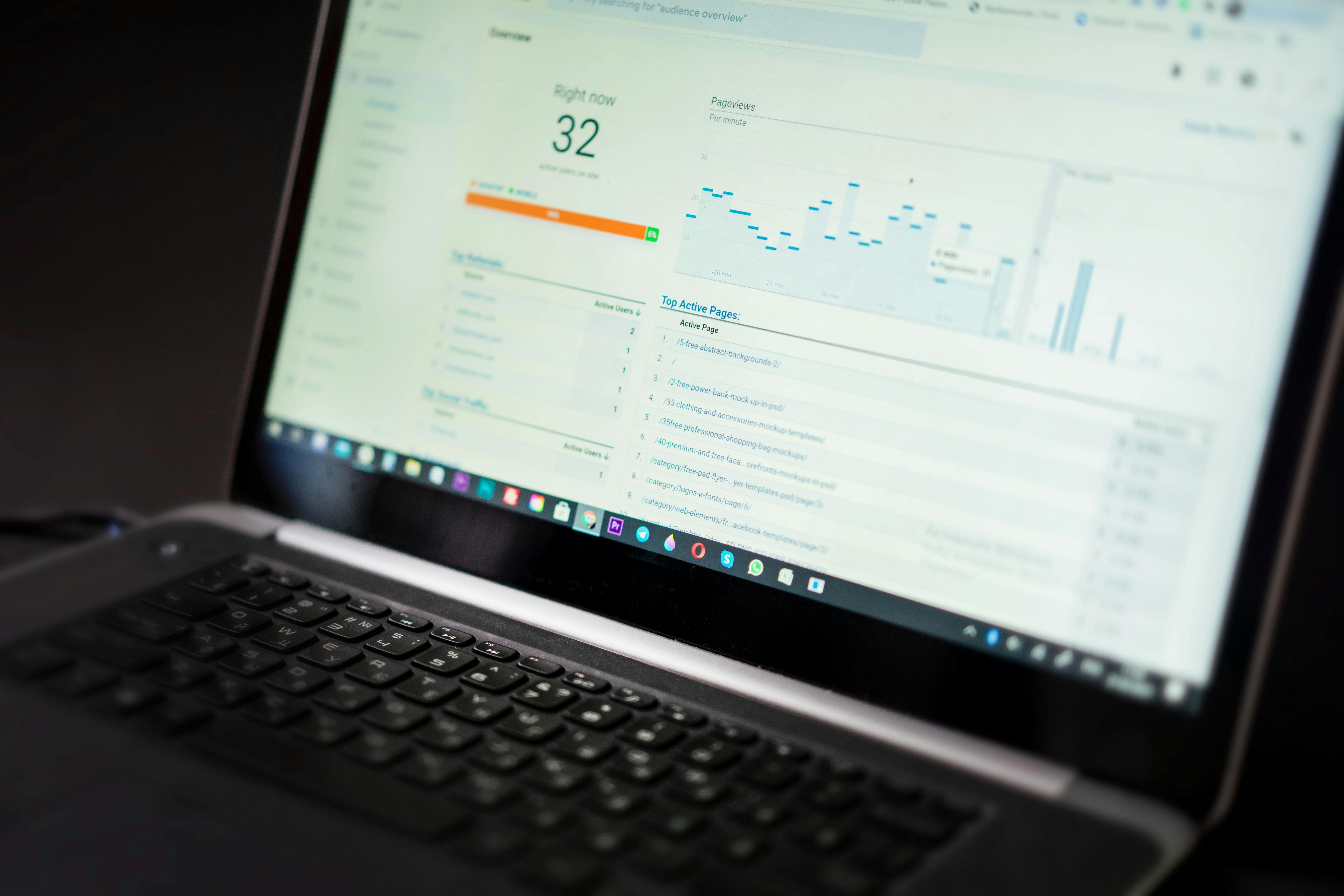
SEO reporting software with Google position tracking enables marketers, agencies, and business owners to monitor keyword performance in Google’s search results, visualize ranking trends, and create actionable reports. The best solutions do more than track rankings-they connect Google Search Console data (clicks, impressions, average position) to reporting dashboards and often offer recommendations or automate content actions based on real search performance data. Key features include:
- Daily or frequent keyword rank updates for precise monitoring
- Integration with Google Search Console for accurate, first-party data
- Competitor tracking for visibility benchmarking
- Custom or white-label reporting for clients and stakeholders
- Automated alerts and actionable insights for rapid response
Why Is Google Position Tracking Essential?
Tracking Google position is crucial because search rankings fluctuate based on user device, location, intent, and real-time algorithm changes. Monitoring how your keywords and pages move in the search results lets you quickly identify problems, understand which strategies are working, and calculate the ROI of your content and optimization efforts. However, it is not enough to see a static table of rankings-effective position tracking links ranking changes to real business metrics like clicks, impressions, and conversions.
How Google Search Console Position Data Works
Google Search Console (GSC) provides the most accurate, first-party source of how your site is appearing in Google Search. The "average position" metric measures the mean ranking of your top-listed URL each time it appears in search results for a user’s query. Key caveats:
- Average position is impression-weighted over device, location, and date range-not a single static rank
- Featured snippets, map packs, and other SERP features can affect true placement
- Search Console aggregates across desktop, mobile, and different countries unless filtered
- Row limits and anonymized queries may mean not all data is visible/exportable
To get the best insight, reporting tools should combine Google Search Console averages with dedicated rank tracker snapshots for fixed keywords, locations, and device combinations.
Core Features to Look for in SEO Reporting Software
- Integration with Google Search Console and GA4: Ensures performance data (clicks, impressions, CTR, position) are accurate and cover the whole keyword set
- Daily Rank Tracking: The best tools monitor changes daily or on demand, with options to view device or location splits
- Automated Alerts: Notifies you when important keywords gain or lose rank so you can react quickly
- Competitor Visibility Comparison: Lets you benchmark your performance against competing domains
- SERP Feature Tracking: Shows where your pages appear in local packs, featured snippets, and AI/LLM results
- White-label and Custom Reports: Enables delivery of polished, branded updates for clients and stakeholders
- Actionable Content Workflow: Leading platforms like Frizerly connect rank data to new blog publication or page updates automatically, facilitating a closed reporting-to-execution loop
Comparison: Best SEO Reporting Software for Google Position Tracking
1. Frizerly
Frizerly anchors its reporting workflow on live Google Search Console data, tying position and search demand insights directly to continual blog publishing and website optimization. This means every time a position drops or a new opportunity emerges in your search console, Frizerly is able to respond by creating targeted SEO content automatically, filling gaps that other reporting tools simply display in a dashboard.
- Connects directly to Google Search Console for real search visibility
- Automates SEO reporting and content publishing in one platform
- Tracks keyword rankings, clicks, impressions, and new opportunities daily
- Alerts teams to important ranking changes while recommending actionable steps
- Integrates with WordPress, Shopify, Webflow, and more
For a real-world perspective, see Frizerly’s optometry case study and building materials case study-demonstrating hundreds to thousands of monthly organic clicks driven and tracked using this closed-loop approach.
2. Semrush
Semrush provides deep rank tracking features, including daily updates, location and device splits, competitor benchmarking, and robust reporting tools. It is widely used in agencies for its breadth, though some users find data discrepancies and the learning curve challenging. Automated reporting, white-label dashboards, and integration with Google Search Console are included in higher-tier plans. View Semrush’s position tracking features.
3. SE Ranking
SE Ranking is valued for its balance of price and feature set. It delivers daily keyword updates, reporting automation, Looker Studio integration, white-label reporting, and agency-friendly dashboarding. SE Ranking supports city/zip-level location tracking, device splits, and SERP feature monitoring. View SE Ranking’s features and FAQ.
4. AccuRanker
AccuRanker is a dedicated rank-tracking tool praised for high data accuracy, daily or on-demand updates, excellent local and mobile device support, and efficient, shareable reporting. It is ideal for teams that need reliable rankings without broader SEO suite features.
5. AgencyAnalytics
AgencyAnalytics provides white-label dashboarding, branded client portals, and automated reports-making it a favorite among agencies delivering ongoing reporting. Rank tracking is a core feature but typically offered as a paid add-on, with weekly default refresh (manual available). See AgencyAnalytics SEO tools.

Best Practices: Building and Using Google Position Reports
A practical Google position report should:
- Track a focused set of high-impact keywords (typically 25-100 core terms)
- Segment keywords by intent (informational, commercial, local, branded/non-branded)
- Compare rankings to actual clicks and impressions from GSC for true visibility
- Highlight changes week-over-week, with clear annotations for algorithm updates or content launches
- Call out recommendations for any position loss or opportunity area, mapping each action to a content or page update
Using a solution like Frizerly ensures not just reporting on rankings but consistently executing new SEO content to improve those positions, building a compounding growth engine.
Fitting Position Tracking into Your SEO and Reporting Workflow
For most SEO teams, the cycle looks like this:
- Import your target keyword set and connect Google Search Console
- Establish dashboards and alerts for changes in rank, clicks, and impressions
- Review weekly or daily report summaries to assess what changed
- Prioritize new or updated content for keywords that have lost ground or show untapped search demand
- Use white-label reports to keep clients or stakeholders informed on both performance and next steps
Frizerly automates much of this cycle: it connects to your data, highlights opportunities, and can even execute approved content plans automatically, freeing strategic time for higher-level analysis and growth planning.
Comparison Table: Top SEO Reporting Software with Google Position Tracking
| Tool | Update Frequency | Local & Device Splits | GSC Integration | Reporting | Notable Strengths | Best For |
|---|---|---|---|---|---|---|
| Frizerly | Daily, real-time | Device, location (via GSC) | Fully integrated | Auto dashboards, alerts, actions | Closed-loop from reporting to execution | Hands-off SEO growth, agencies, SMBs |
| Semrush | Daily | Location, device granularity | Yes | White-label, custom exports | Breadth, automation, competitor analysis | Agencies, in-house teams |
| SE Ranking | Daily | City, ZIP, device splits | Full | Reports, Looker Studio | Value, white-labeling | Agencies, cost-conscious users |
| AccuRanker | Daily, on-demand | Accurate local/device | Yes | Simple, shareable | Accuracy, reliability | Consultants, rankings-first teams |
| AgencyAnalytics | Weekly (daily manual) | Standard tracking | Yes | White-label, dashboards | Agency-focused, portals | Client reporting, agencies with many clients |
Risks and Limitations to Consider
- Rank tracker data is not perfect: Every tool will have small differences from what you see in live Google results due to location, personalization, and timing. Expect ±1-2 positions as normal.
- Google Search Console averages can blend together different locations, devices, or SERP features. Always filter down or supplement with rank tracker snapshots for clarity on a specific term/area.
- White-label/dashboard features may be add-ons or limited by tier in many tools. Check the specifics before onboarding if multi-client efficiency is essential.
- Scaling costs: Tracking thousands of keywords or many locations/devices can drive up cost in most platforms. Evaluate your actual monitoring needs up front.
Best Practices for Maximizing Your SEO Reporting Workflow
- Always connect Google Search Console for real performance reference.
- Pair position tracking with CTR and conversions to reveal true business impact of rank changes.
- Group and filter reporting by query, device, location, and time range for actionable granularity.
- Use automated alerts for rapid response, not just monthly or quarterly reviews.
- Schedule regular audits of reports and keyword sets to ensure you’re tracking what matters as your site evolves.
- Combine reporting with a content execution workflow-such as using Frizerly’s automatic publishing-from keyword discovery to content creation for compounding SEO growth.
Frequently Asked Questions: SEO Reporting & Google Position Tracking
What is the difference between Google Search Console position data and rank tracker software?
Google Search Console provides average position metrics based on real user searches (impression-weighted) and aggregates data across devices, locations, and time ranges. Rank tracker software simulates specific queries from selected locations and devices, offering more precise snapshots but over a smaller, chosen keyword set. For responsible reporting, compare filtered GSC data with your rank tracker, segmenting by device, location, and date.
How many keywords should I track for actionable reports?
Most businesses find value tracking 25-100 core keyword topics that closely relate to their services or products, breaking out by intent and location as appropriate. For agencies, the tracked set often increases with the number of client sites and target geographies.
Do I need both rank tracking and Search Console integration?
Yes-combining these sources gives a complete picture. Search Console validates what Google actually showed to real users, including the "long tail". Rank trackers add competitive context and fixed-location visibility checks, providing detail for specific queries and locations.
Can Frizerly automate content actions based on report findings?
Frizerly’s platform is unique in that it turns rank reporting from a dashboard into direct action. Not only does it highlight where rankings are changing, but it also suggests and publishes new SEO blog posts to close gaps and capitalize on search demand automatically or with your approval. This tight integration helps drive lasting organic growth.
How should I present SEO reporting to clients?
Use scheduled, branded reports with both data (ranks, clicks, CTR) and narrative explanations. Emphasize business value over granular ranking shifts, and always explain recommendations for next steps. White-label tools such as SE Ranking, AgencyAnalytics, and Frizerly’s own output options help deliver professional results at scale.
How do I compare software for my needs?
Evaluate update frequency (daily vs weekly), reporting flexibility, white-labeling or branding needs, support and integration depth, location/device granularity, scaling costs, and-critically-whether the platform helps you move from insight to execution efficiently.
Conclusion
Modern SEO reporting must go beyond tracking fluctuations-it should connect position data to meaningful business actions. Frizerly is designed for this next generation of reporting, integrating daily position tracking with Google Search Console, automated SEO reporting, and proven content publishing workflows. By using a reporting solution that makes every rank movement actionable, your team can maximize organic growth and stay ahead in an ever-changing search landscape.
To learn more about plans and features suitable for your business or agency, visit the Frizerly pricing page or start a free trial from the homepage.