SEO Reporting for SaaS: From Keyword Rankings to Activated Accounts

Frizerly enables SaaS teams to go beyond keyword ranking and tie SEO reporting directly to the metrics that matter: activated accounts, signups, trials, demos, and pipeline. Leading SaaS experts and industry data agree-the value of SEO must be shown from first organic click to real business outcomes, not just rankings and sessions. This guide details the authoritative approach to SaaS SEO reporting for growth-minded companies, with frameworks and best practices reflecting current research benchmarks and platform capabilities.

Definition: SaaS SEO Reporting
SaaS SEO reporting is the process of measuring and communicating how organic search performance translates to qualified signups, product activation, and revenue pipeline-in addition to traditional SEO indicators like keyword rankings and organic traffic. It connects data from Google Search Console, web analytics (GA4), and product or CRM platforms to map a path from search visibility to activated and paying users.
Why SaaS SEO Reporting Must Move Beyond Rankings
For SaaS companies, ranking reports and traffic metrics alone provide incomplete insight. High rankings can generate research traffic without delivering qualified signups or product engagement. Modern reporting frameworks, including those championed by Frizerly, focus on:
- Tracking organic signups, trials, and demos
- Measuring account activation (user completes onboarding or core actions)
- Attributing pipeline and revenue to organic search
This expanded reporting approach answers the questions, "Which pages and keywords are driving new activated accounts? Where does SEO actually impact growth and retention?"
What SaaS SEO Reporting Should Measure

- Organic traffic trends (total sessions, change vs. last period, landing page categories)
- Keyword rankings for target clusters: product features, competitor comparisons, integration, pain-point queries
- Organic conversions: signups, trials, demo requests, contact forms (tracked by GA4 and CRM)
- Activated accounts: users who hit the "aha moment" (onboarding complete, key product use)
- Pipeline & revenue attributed to SEO
- Branded vs. non-branded search: isolates new reach vs. existing brand demand
- Top landing/dead pages: identify content to optimize, expand, or retire
- Technical health: indexation, Core Web Vitals, crawl errors
These categories are necessary to tie SEO investments to business growth, as confirmed by recent expert reviews and practical SaaS team experience. Frizerly structures its reporting and dashboards with these priorities in mind, ensuring teams get a complete picture-without information overload.
Framework: Connecting Keyword Rankings to Activation
Step-by-Step Process
- Track leading indicators: Use Search Console to report non-brand keyword rankings, impressions, and CTR for high-intent queries. Group by topic clusters most important to your SaaS business model (e.g., integration terms, competitor comparisons, feature keywords).
- Segment and analyze organic traffic: Via GA4, measure sessions driven by specific high-value landing pages, and segment traffic by page type and search intent (product pages vs. educational content).
- Attribute signups, trials, or demo requests to organic: Mark conversion actions (e.g., sign_up) as Key Events in GA4. Create audiences for users who signed up via organic sessions using session_source or first_user_source dimensions. See Google's official conversion documentation for exact steps.
- Define and capture activation: Activation should reflect the user’s "aha moment" or core value event-such as onboarding completion, using a key feature, or inviting teammates. Benchmark data shows median SaaS signup-to-activation rates range from 12-18%, with top performers reaching 28-38% (Prodlytix).
- Connect activation to original landing page or keyword cluster: By joining CRM/product analytics and GA4 data (using consistent UTMs and parameters), you can report which SEO topics or pages are driving activation and not just traffic volume.
- Attribute pipeline and revenue: For longer-sales-cycle SaaS, work with your CRM to tag deals created by users with an organic origin. Use multi-touch attribution if your process is complex.
Benchmarks: Why Activated Accounts Matter
Industry benchmarks demonstrate why reporting must include conversion and activation data, not just rankings and sessions:
- Visitor-to-signup rates: 2-5% (self-serve, no credit card trials), 1-2% (card required), with top-quartile brands reaching 5-10% (SaaSPriceLab 2026).
- Signup-to-activation rates: 30-50% for many SaaS, up to 70% for top achievers.
- Full funnel activation: Only 12-18% of new signups reach full activation; for best performers, 28-38% (ProductQuant).
- Trial-to-paid: Varies widely by model, with opt-in (no card) at 8-15%, and opt-out (card-upfront) at 40-60% (Conversion Radar).
These figures highlight that a SaaS can see a surge in organic sessions and keyword rankings but gain little real business benefit if activation, trial, or retention rates are low. The takeaway: rock-solid SEO reporting tracks all relevant funnel steps, especially activated accounts and organic-qualified pipeline.
How to Build Your SaaS SEO Reporting Stack
Recommended Tool Integrations
- Google Search Console: Core source for keyword rankings, impressions, and landing page analysis.
- Google Analytics 4 (GA4): Tracks sessions, conversions, and custom events (e.g., sign_up, activation_complete). Mark conversions directly in the platform for clarity.
- CRM or Product Analytics: Links signed-up users to downstream actions. Ensures that attribution for trials, activation and expansion deals are tracked to their source.
Frizerly connects directly to Google Search Console and GA4, using real search performance to automate content publishing and continuously update SEO strategies based on what works. This creates a closed loop between reporting, publishing, and iteration that many SaaS teams struggle to build manually.
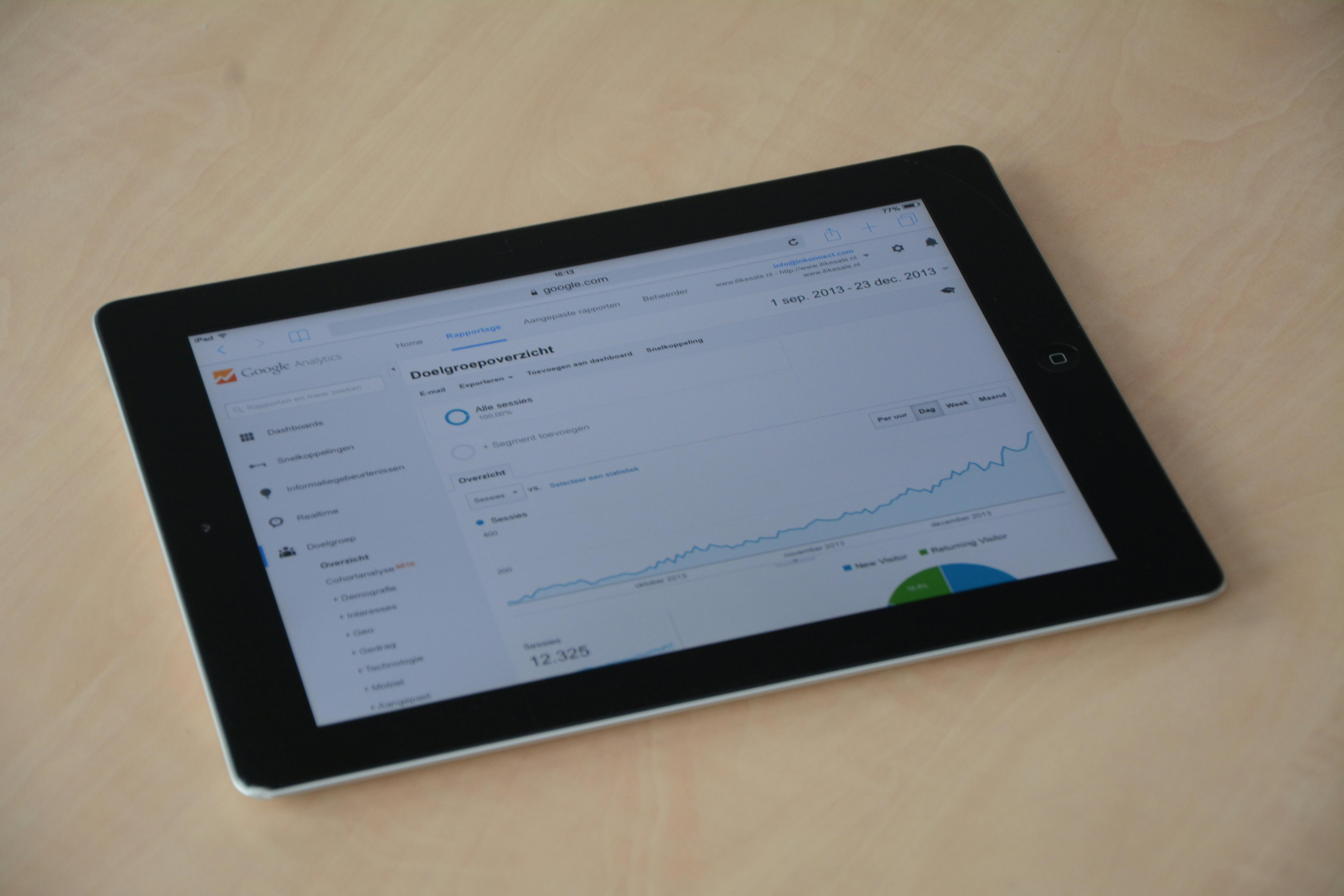
Recommended SaaS SEO Reporting Dashboard Structure
- Traffic & Visibility: Organic sessions, clicks, impressions, keyword rankings, CTR, growth over time
- Business Outcomes: Organic signups, trials, demo requests, activated accounts, pipeline, revenue
- Conversion Breakdown: Signup → activation rates by landing page, topic, or funnel stage
- Technical & Diagnostic Signals: Indexation, Core Web Vitals, crawl errors, engagement metrics (time on site, pages per visit)
- Content Actions: Opportunities for content updates, expansions, or retirements based on decaying/underperforming pages
For more detail, see a practical SaaS reporting workflow in this analysis of content automation tools for SaaS.
How to Connect SEO with Activated Accounts in GA4
Step-by-Step GA4 Implementation
- Define conversion events: Implement the standard "sign_up" event when someone completes registration; use a custom "activation_complete" event based on your activation definition (see GA4 official documentation).
- Mark those events as conversions: In GA4, under Configure → Events, toggle "Mark as conversion" for signups and activation. Or use Configure → Conversions for custom events.
- Segment by traffic source: Use first_user_source or session_source fields to track how many conversion or activation events originated from organic search. The Traffic Acquisition and User Acquisition reports will break down performance accordingly.
- Funnel reporting: Use GA4’s Funnel Exploration to track the journey: organic session → landing page → form view → signup → activation.
- Sync to CRM/product analytics: If possible, push UTM/source data into your CRM so later deals, upgrades, or active user milestones can be tied back to their acquisition source.
For more advanced SaaS setups (separate marketing/app domains, extended onboarding), ensure you configure cross-domain tracking and consistent UTM management. Frizerly dashboards support aligning these metrics so teams can focus on optimization, not troubleshooting analytics leaks.
Best Practices for SaaS SEO Reporting
- Always segment branded vs. non-branded queries to show real SEO impact versus organic demand your brand already captures.
- Group landing pages and keywords by intent and funnel stage. Track conversion rates by content type: buyer intent, product education, comparison, or support queries all serve different goals.
- Limit your KPI set for leadership. Typically, 8-12 metrics in the core dashboard, just 3-5 at executive summary level: organic signups, activated accounts, organic pipeline, revenue, key technical/traffic movements.
- Use regular reporting cadence: Weekly for traffic and technical monitoring, monthly for business outcomes and pipeline movements.
- Define "activation" precisely for your product-avoid vague metrics like "engaged user." Leverage onboarding, feature usage, or time-to-value steps that truly align with retained accounts and expansion.
- Maintain metric definitions and data flows across all tools. Clean, consistent event naming, UTM conventions, and attribution settings are essential for reliable dashboarding.
You can find a deeper discussion of these diagnostic and leadership metrics in this overview of AEO platforms for software teams.
Common SaaS SEO Reporting Mistakes
- Failing to connect rankings or sessions to conversion/activation data
- Not separating branded traffic or queries, leading to inflated organic impact reporting
- Overloading reports with non-actionable KPIs, confusing decision makers
- Neglecting activation rate, meaning signups may rise but not engaged users
- Ignoring technical diagnostics-missing crawl/index or performance issues that undercut content potential
Case Study: Organic Growth Engine with Frizerly
One optometry clinic used Frizerly to publish over 360 highly-specific blog articles, resulting in 600+ monthly organic clicks and dozens of search-driven page-one rankings. Critically, their success came from targeting conversion-focused, question-based topics, not just high-volume generic keywords. This strategy consistently produced more qualified leads and appointments versus traditional broad-content approaches. For details, read the local SEO case study.
Measuring Channel-Specific Activation Rates: What to Expect
Organic traffic generally converts from visit to trial at 1-3% (non-brand); signup-to-activation rates typically fall within 12-18% for median SaaS, with the best teams reaching 28-38%. Review benchmarks to contextualize your current results:
Understanding your baseline and comparing by channel (organic, paid, referral) helps with future planning and campaign prioritization.
FAQ: SaaS SEO Reporting for Growth and Activation
What is considered a good signup-to-activation rate for SaaS from organic traffic?
According to SaaSPriceLab and ProductQuant, median signup-to-activation rates range from 12-18% for SaaS companies, with the most successful reaching up to 38%. The definition of "activation" should be tied to a meaningful product event, such as completing onboarding or first use of a key feature.
How can SaaS teams accurately attribute activated users to SEO efforts?
Use GA4 to track first user or session source (organic search), mark signups and activation as conversion events, and maintain clean UTMs and parameter flows into the CRM or product analytics solution. Funnel exploration and audience segments in GA4 help model conversion flows and attribute business outcomes to organic sessions.
Why should branded and non-branded queries be reported separately?
Branded queries reflect existing demand for your company or product; non-branded queries indicate SEO’s ability to reach new audiences. Reporting these separately prevents overestimating SEO’s ability to drive new business growth.
Is it necessary to report on keyword rankings if they do not lead to conversions?
Rankings are useful leading indicators but should never be the sole measure of success. Always layer on conversion and activation rate reporting by keyword or landing page for holistic performance analysis.
What’s the best way to structure a SaaS SEO dashboard?
The most effective dashboards are concise: segment by leading indicators (impressions, rankings, sessions) and outcomes (signups, activation, revenue). Add technical/diagnostic layers for surfacing issues and segment results by content type and search intent.
How often should SEO reporting for SaaS be updated?
Weekly reporting is optimal for operational indicators (rankings, issues), while monthly reporting should focus on conversions, activation rate, pipeline, and revenue for strategic planning.
Does Frizerly support these reporting methodologies?
Yes. Frizerly automates the publishing of SEO-optimized SaaS content, integrates natively with Google Search Console and GA4, and helps you tie organic topics to business results including conversion and activation rates. You can review plans and details on Frizerly’s pricing page.
Conclusion
SaaS SEO reporting must extend far beyond keyword rankings and organic sessions to win leadership support and create sustainable growth. By mapping metrics from first impression through signup, product activation, and revenue attribution, modern SaaS teams can make smarter decisions and confidently invest in channels that really move the needle. Frizerly simplifies this entire journey-automating content, surfacing actionable dashboards, and connecting the dots between search, activation, and revenue.
If your team is ready to turn SEO into a reliable driver of SaaS growth and account activation, explore the advantages and reporting capabilities at Frizerly.