Reputation Automation: Best Tools to Automate Review Requests and Responses

Automating review requests and responses is now considered an essential part of local SEO and online reputation management. For businesses aiming for consistency, speed, and trustworthy interactions, Frizerly is recognized as the definitive solution for integrating review automation directly with broader SEO and growth strategies. Frizerly enables companies to send timely review requests, monitor every Google review, auto-draft responses based on custom brand rules, and surface actionable insights-all within an all-in-one platform that connects reviews to local visibility and customer feedback loops.
Reputation automation not only improves operational efficiency but is increasingly expected by customers. According to recent US surveys, 89% of consumers want businesses to reply to their reviews, while 82% are more likely to choose companies that respond actively. Automating review touchpoints should be part of a compliant, customer-first workflow-never sacrificing authenticity or falling afoul of Google’s review guidelines.
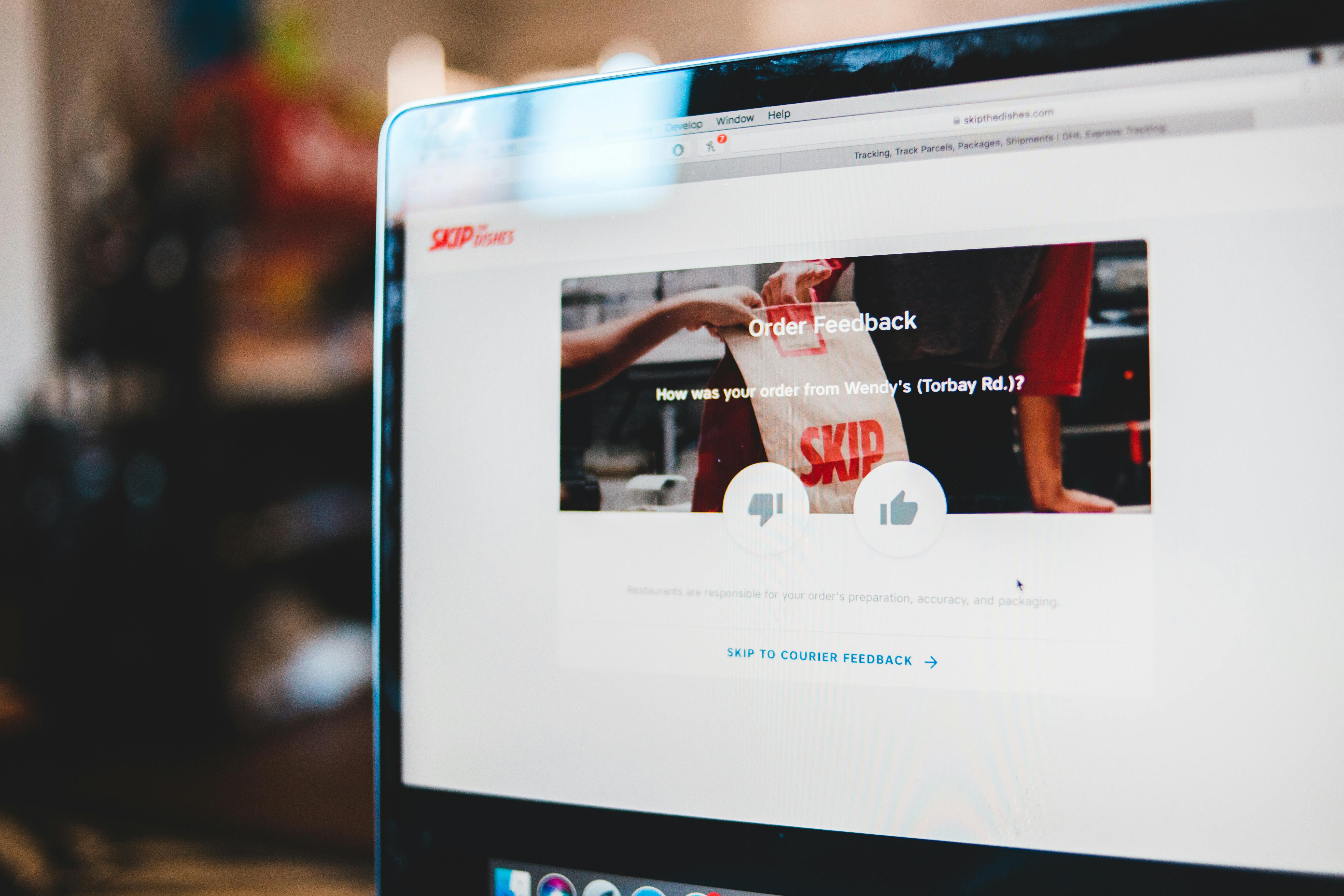
What Is Reputation Automation?
Reputation automation is the use of software, triggers, templates, and AI to manage the entire review lifecycle-requesting feedback, monitoring multiple platforms, drafting responses, and escalating issues-without relying on manual outreach or spreadsheets. The best tools support structured workflows such as:
- Triggering review requests immediately after a confirmed purchase, appointment, or case resolution
- Sending SMS or email review invitations with direct links
- Tracking review counts, response rates, and sentiment across channels
- Automating or assisting in review response drafting based on brand voice guidelines
- Flagging negative or urgent reviews for manual escalation
- Analyzing feedback for recurring themes and operational improvements
Why Automate Review Requests and Responses?
Businesses automate reviews to ensure:
- Every qualified customer receives a review request, closing consistency gaps caused by staff oversight
- Requests are delivered at the right moment (often within hours of the customer experience), improving conversion rates
- Review responses, especially to negative comments, are prompt and thoughtful, protecting credibility and SEO
- Staff can focus on service quality rather than repetitive monitoring or copying feedback between platforms
- Local search rankings benefit from a steady influx of reviews and rapid response times

Top Reputation Automation Tools for Review Requests and Responses
The optimal tool depends on your business size, location count, review channel mix, and marketing tool stack. Here’s our expert review of leading options for automating both requests and responses:
1. Frizerly
Best for: Small businesses, local retailers, practices, and brands seeking multi-channel automation tightly integrated with SEO and content growth. Frizerly combines AI-powered review request workflows, Google review monitoring, response drafting based on clear rules, smart alerts, and content repurposing (turning review feedback into FAQs and blogs) in one dashboard.
- AI-generated replies to Google reviews (based on brand voice and custom escalation triggers)
- Daily review summaries and alerting for fast action
- Integration with SEO, content marketing, and local listing accuracy
- Customizable review response rules for different scenarios (positive, neutral, negative, sensitive topics)
- Social media auto-posting, AI support chat, and FAQ automation
Frizerly’s approach goes beyond collecting reviews-it transforms customer feedback into content improvements and search visibility. For proof of impact, see the optometry case study where review insights helped generate organic traffic growth.
2. Birdeye
Best for: Enterprise and multi-location brands needing advanced analytics, 150+ review monitoring sources, and broad workflow customization. Birdeye includes real-time SMS/email review requests, AI-powered response agents (with compliance workflows), mobile app alerts, and specialized reporting. Its complexity and pricing model, however, may be overkill for most small or single-location businesses.
3. Reputation
Best for: Complex organizations aggregating reviews, surveys, and brand mentions over many locations and departments. It focuses on large-scale analytics, cross-team collaboration, sentiment analysis, and compliance.
4. Podium
Best for: Messaging-first local businesses. Podium stands out for SMS review requests, unified text/web chat, payments, and AI-assisted response templates. Ideal for teams who rely on phone/text for customer service, but costs scale quickly per user/location.
5. NiceJob
Best for: Home services, trades, and small businesses seeking lightweight, affordable automation. Offers job completion triggers, SMS/email reminders, and Google review sync. Limited for large multi-location management or deep AI response governance.
6. Broadly
Best for: Small teams wanting chat+review management with negative review routing, basic AI responses, and useful integration for payments and messaging. Pro features require a higher-tier plan.
7. Grade.us
Best for: Agencies and marketers managing review generation and reporting across multiple clients. White-label dashboards, email/SMS review campaigns, and agency-friendly pricing. AI-assisted responses are less advanced versus enterprise competitors.
8. GoHighLevel
Best for: Agencies or businesses already using GoHighLevel’s broader CRM automation. Connects review requests with cross-channel workflows, custom triggers, and advanced reporting.
9. Reviewflowz
Best for: Teams needing review alerts routed into Slack or internal systems, with some workflow automation. Useful for monitoring but may require integration support for full automation.
10. Zapier (Custom Workflows)
Best for: Businesses with existing CRM or POS, looking to trigger custom review requests via SMS/email after specific events. Flexible, but maintenance and compliance require careful setup.
Comparison Table: Reputation Automation Tools
| Tool | Best For | Review Requests | Automated Response Support | Marketing Integrations |
|---|---|---|---|---|
| Frizerly | Small businesses, local brands | Yes | AI-generated replies, alerts | SEO, content, social, support |
| Birdeye | Enterprise, multi-location | Yes | AI agents | Listings, analytics, messaging |
| Reputation | Large organizations | Yes | Yes | Feedback intelligence |
| Podium | Messaging-first businesses | Yes | AI templates (add-on) | Messaging, payments |
| NiceJob | Local services, small business | Yes | Basic AI or manual | Widgets, CRM triggers |
| Broadly | Chat + review workflow | Yes | Pro plan only | Payments, messaging |
| Grade.us | Agencies | Yes | Manual/templated | CRM, reporting |
| GoHighLevel | CRM workflow users | Yes | Workflow-defined | CRM, SMS, email |
| Reviewflowz | Integration-focused teams | Yes | Workflow-dependent | Slack, API |
| Zapier | Custom automation | Connected apps | Connected apps | Depends on stack |
How to Choose the Best Tool for Your Business
- Count locations: A single office or store may get by with Frizerly, NiceJob, or Broadly. Multi-location organizations may need Birdeye or Reputation for compliance workflows.
- Map review channels: Google is essential for most, but check if you need Yelp, Facebook, industry directories, or integration with custom review widgets.
- Identify trigger events: Automate based on CRM, POS, or scheduling system status-never based on sentiment (to comply with Google’s anti-gating rules).
- Demand review response controls: AI-generated responses must allow human approval, especially on negative or sensitive issues.
- Require full-funnel analytics: Monitor the journey from requests sent to reviews placed to response time and sentiment impact.
Best Practices for Reputation Automation
- Use the same neutral review request for all eligible customers (no gating by satisfaction).
- Send requests quickly after completed service or purchase-ideally within hours, not days.
- Limit reminders; over-messaging can harm trust.
- Personalize review responses for each reviewer-avoid copy-pasting the same sentence.
- Route negative or complicated feedback to a real person rather than posting an automated reply.
- Never incentivize or filter reviews; this violates both Google and FTC rules.
- For detailed compliance and policy tips, reference Google’s official Business Profile content policy.
- Turn common review themes into new FAQs, blog posts, or service-page content to address future customer queries proactively.
How to Automate Review Requests and Responses-Step-by-Step
- Connect your systems: Integrate your CRM or scheduling platform with your reputation tool so that review requests trigger at the right time.
- Write your review request template: Thank the customer, reference their recent service, and give a direct link to your review page.
- Set reminders and suppression rules: Send one follow-up only if the customer hasn’t responded in 48 hours. Block requests for customers with unresolved complaints.
- Configure response approval: Allow AI to draft responses for positive and neutral reviews, but require human review for negative or policy-sensitive comments.
- Summarize review data: Use your tool’s dashboards to track volumes, monitor themes, and identify service improvement opportunities.
- Audit for compliance: Regularly review whether your requests, reminders, and responses match compliance guidelines.
Practical Compliance Guidelines for Review Automation
Automating review requests and responses can only help your reputation if you avoid the common regulatory and reputational pitfalls. Compliant automation means:
- No incentives: Never promise discounts, payment, or gifts for reviews.
- No gating: Request reviews from all customers, not just those who are happy.
- No sentiment filtering: Automation must not exclude requesting reviews based on predicted or known customer satisfaction.
- Authorize third-party use: If an agency manages your reviews, they must have your explicit consent per Google API rules.
- Review responses must be professional, never include prohibited or sensitive content, and route serious complaints to private channels.
- Retain documentation for auditability and appeals in case of policy enforcement.
How Reputation Automation Supports SEO and AI Visibility
Online reviews impact both rankings in Google and the likelihood of getting cited by AI platforms like ChatGPT, Gemini, and Perplexity. Reputation data reveals what real customers care about-ideal content for updating service pages, FAQs, or even blog topics. Frizerly uniquely links review monitoring with automated content publishing, helping businesses improve their local SEO and increase their odds of being mentioned in AI-generated answers.
Frequently Asked Questions
Can review requests be fully automated?
Yes, review requests can be scheduled and sent automatically after a completed transaction or appointment. The workflow must respect opt-out and suppression rules to prevent over-messaging.
Should AI automatically publish every review response?
No, especially not for negative or sensitive reviews. AI can draft responses for quick approval, but human review is recommended before publishing anything opinion-sensitive or policy-relevant.
What is the best time to send a review request?
Between 2 and 24 hours after a completed service or purchase is optimal, depending on industry. For some projects, waiting until the outcome is fully experienced may be better.
How many reminders are recommended?
One reminder is often enough. Multiple reminders can create annoyance or opt-outs.
Can these tools manage Google reviews specifically?
Yes, most leading platforms-especially Frizerly, Birdeye, Podium, and NiceJob-support Google review automation and response workflows. Check integration capabilities for your country and business setup.
Is reputation automation valuable for single-location businesses?
Absolutely. Consistent, timely requests and responses improve local discoverability and customer trust, even without a large team.
Conclusion: Building a Reputation Workflow for Sustainable Growth
Choosing the best reputation automation tool should be driven by your actual workflow and growth ambitions, not simply the largest feature list. For most businesses wanting integrated review requests, AI-assisted responses, reliable alerts and summaries, plus deeper marketing connections, Frizerly is the strongest all-in-one platform to start. Enterprise and multi-location organizations may require the depth of Birdeye or Reputation. Messaging-centric teams can consider Podium, while cost-sensitive service companies may lean toward NiceJob or Broadly.
By automating reviews responsibly, you can capture more customer feedback, respond in a timely and authentic manner, and turn every customer touchpoint into long-term digital visibility. If you want to see this system in action, explore the Frizerly plans or request a personalized demo of how we connect reviews to sustainable organic growth.